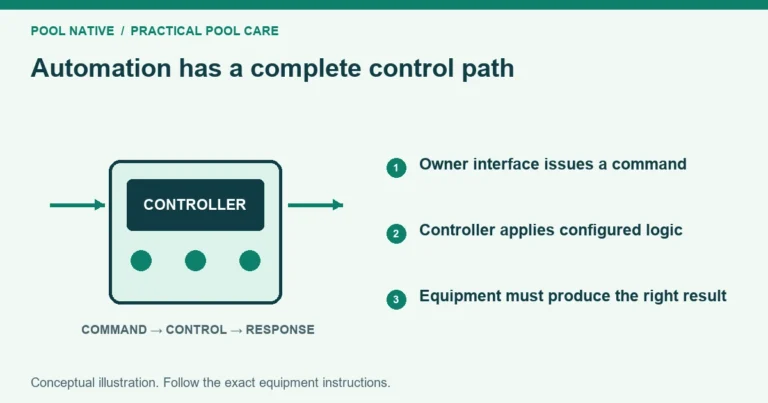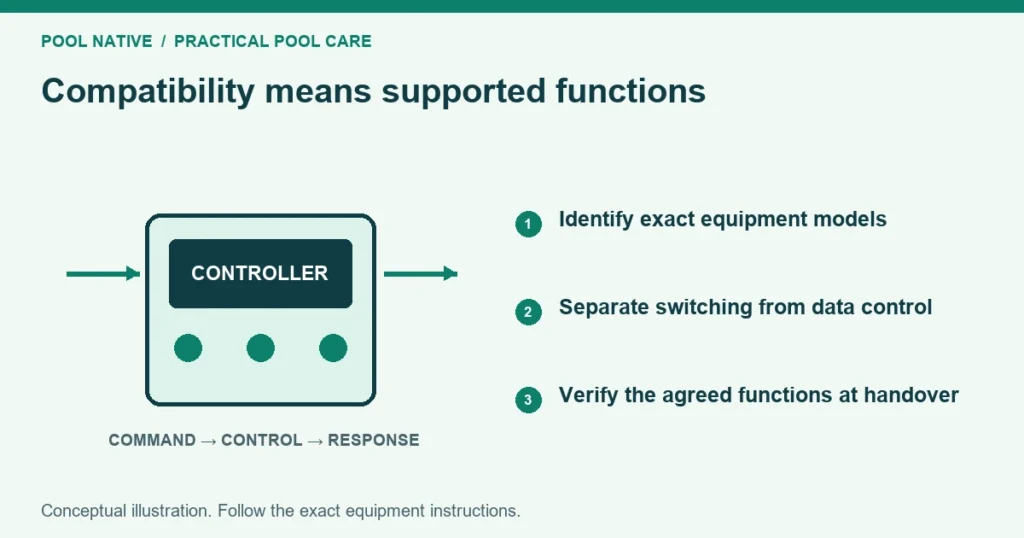
Pool automation compatibility has several layers: electrical switching, data communication, software support and correct equipment configuration. A device can be switchable without offering full status or setting control. Confirm the functions you need for each exact model before ordering hardware.
Do not rely on a broad statement that a controller works with all brands. Ask what it can actually do with the equipment you own. Put any limits in the quote so basic on and off control is not mistaken for full integration.
Build an exact equipment inventory
Photograph accessible model labels without opening electrical compartments. Record the controller family, enclosure and board information supplied by the installer. Include expansion modules, network adapters and current firmware where available.
For each pump, heater, sanitizer, light and actuator, record the complete model rather than the product family alone. Note separate equipment serving a spa or feature. A replacement motor or later retrofit may differ from the original invoice.
Keep unknown details marked unknown. A technician should verify them before promising compatibility. Do not dismantle a live panel to fill a worksheet blank.
Separate switching from communication
A relay may provide basic switching for a compatible load. It does not automatically provide speed selection, temperature feedback, fault reporting or sanitizer adjustment. Those functions require the appropriate interface and supported configuration.
A data cable also does not guarantee compatibility. Protocol, model support, firmware and addressing can matter. Similar connectors or matching wire colors do not make two communication systems interchangeable.
Ask the installer to state the control method for every device. A useful answer identifies the interface and the supported functions. The phrase should work is not a completed compatibility check.
Pump checks
Confirm how the pump receives power and operating commands. Some supported pumps use data control; others accept particular external inputs. A controller relay and a pump’s local schedule may have different roles depending on the installation.
List the speeds or flows needed for filtration, heating, cleaning and spa use. Ask how those demands are assigned and prioritized. A scheduled circuit is not useful if it calls the wrong pump program.
Verify whether local pump controls remain available and how to return authority to automation after service. Record any external control mode. Do not create competing schedules without understanding which system governs operation.
Heater and sanitizer checks
For a heater, identify whether the connection supports a simple demand contact or richer communication. Confirm the temperature sensor, body assignment and heat source configuration. A heating icon cannot overcome inadequate flow or a heater fault.
Preserve required flow checks, cooldowns and other interlocks. Do not bypass a safety device to obtain app control. An interface upgrade should not change the heater’s operating limits.
For a salt cell or other sanitizer, check both its power arrangement and data support. Determine where output is adjusted once automation is connected. Confirm that production cannot continue under an unsafe circulation condition.
If a chemical controller is present, include its exact requirements separately. A generic sanitizer checkbox does not describe dosing control. The installation and commissioning need appropriately qualified service.
Lighting checks
Record fixture model, quantity, voltage, transformer and control method. Confirm physical installation compatibility as well as electrical requirements. A replacement that fits a niche is not automatically approved for the existing control arrangement.
Ask whether the proposed controller supports simple switching, colors, shows, dimming or synchronized groups for those fixtures. These are separate capabilities. Do not assume an LED light can use a dimmer because the panel has a dimmer menu.
Have a qualified installer verify load limits and protective equipment. Avoid generic household smart switches or improvised transformers. The entire lighting circuit must suit the pool installation.
Valve and actuator checks
Confirm valve body, mounting pattern, actuator model, supply requirements and supported travel. Jandy’s JVA 2444 manual, for example, specifies its own electrical and mounting details. Those details should not be generalized to every actuator.
Document the common port and intended endpoints for each route. Pool to spa switching usually requires coordinated intake and return behavior on shared equipment. The actuator guide explains why correct movement matters more than a motor simply turning.
Check whether the controller has enough suitable outputs and transformer capacity for the proposed arrangement. Do not split or parallel actuator wiring by guesswork. Ask the installer to verify the complete load and control design.
Use this installer worksheet
| Equipment | Exact model | Required function | Connection and support evidence | Demonstration |
|---|---|---|---|---|
| Main pump | Record label | Filtration and feature demand | Matched controller and pump manuals | Correct commanded operation |
| Heater | Record label | Pool and spa heat demand | Supported interface and body mapping | Correct heat source and safe flow |
| Sanitizer | Record label | Output control and circulation dependency | Supported power and data arrangement | Correct settings and status |
| Lights | Record each type | On/off, color or grouping | Fixture and controller compatibility | Each required lighting function |
| Actuators | Record each model | Intended water routes | Mounting, supply and output support | Both endpoints and both modes |
Add a limitations column to the written quote if a function cannot be supported. Separate required replacement parts from optional conveniences. Keep the evidence with the equipment record.
Check app and network requirements
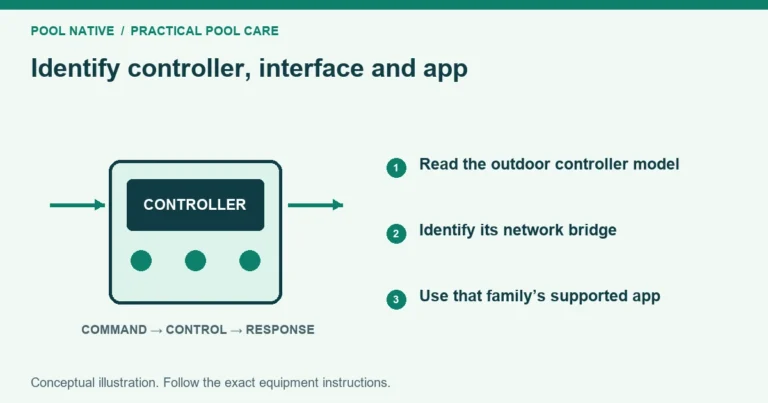
Identify the controller first, then choose its supported interface. Pentair controller identification separates EasyTouch, IntelliTouch, ScreenLogic and IntelliCenter. An app controlling one standalone pump does not prove it controls the entire pad.
Confirm the network connection at the controller, owner account access and local operation when internet access is unavailable. Record the supported app version and any migration requirement. Do not assume an older adapter uses ordinary home WiFi for every link.
Ask who will maintain configuration backups and perform firmware updates. Use current manufacturer instructions for the exact starting version. A factory reset is not a compatibility test.
Accept the upgrade by function
Before work, save the current settings and define a short acceptance list. Afterward, test schedules, manual commands, heating, lighting and valve routes. Confirm that the system returns to its intended normal mode.
Inspect status reporting as well as physical response. A successful relay click is not proof that the device received a data command. Sign off against the agreed functions and record any remaining limitation explicitly.