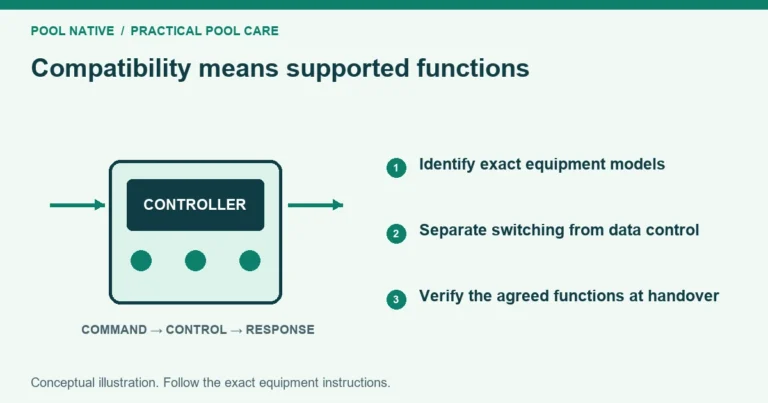
Pool automation coordinates equipment through a controller, compatible connections and programmed functions. The phone app is one way to issue commands, not the whole system. Plan what each device must do before choosing a panel or adding another connected product.
A useful system should perform its normal routine, make manual operation understandable and recover predictably after service. Lighting, heating and pool to spa switching need their own compatibility checks. A shared brand name alone does not establish that every function is supported.
Map the command path
A typical installation has an owner interface, a controller at the equipment pad and connections to the equipment. The interface may be an outdoor panel, indoor control, remote or app. A command then reaches a relay, data connection or actuator output.
A relay switches an electrical circuit. A data connection can carry commands and status when the devices support the same communication method. A valve actuator changes a water route by turning a compatible valve.
These functions are different. A pump may have power but receive no speed command. A light may switch on yet lack compatible color control.

Define what you want to automate
List the normal tasks: filtration, heater demand, spa use, lighting, a cleaner and any water features. Then describe the expected result of each button. For Spa, that may include paired valve movement, the right pump operation and the selected heat mode.
Separate essential operation from convenience. Remote access is helpful, but the pool still needs a documented local control method. An internet outage should prompt a status check at the controller, not an assumption that all equipment has stopped.
| Function | Information needed before planning |
|---|---|
| Filtration | Pump model, control method and required operating program |
| Heating | Heater interface, water flow and temperature sensing |
| Sanitizing | Cell or feeder model, power and circulation dependencies |
| Pool and spa | Shared or separate equipment and actual valve routes |
| Lighting | Fixture models, voltage, transformer and color control method |
| Features | Separate pump, valve, relay and safe operating limits |
Use the automation compatibility checklist to turn this list into an installer worksheet. Exact models matter more than the number of icons shown in an app advertisement.
Choose one clear control authority
Identify which controller owns each schedule and setting. A pump with its own schedule may operate differently once a compatible automation system takes control. Conflicting local and controller programs can look like a random fault.
Name circuits by the equipment or function they actually operate. A custom label does not change the underlying circuit type. Preserve the installer map so a later owner can distinguish a pump command from a light relay.
Record normal pump settings and equipment dependencies. Do not change circuit functions merely to make a button appear in a preferred part of the app. That can alter behavior beyond the visible label.
Plan lighting as a complete installation
Identify each fixture and the supply arrangement before choosing control hardware. Low voltage lighting still needs compatible power equipment and an approved installation. A voltage match alone does not establish physical fit or a supported color protocol.
For color lights, confirm whether the controller supports the exact fixture’s color and show commands. Some systems use power switching sequences; others use their own communication arrangements. Mixing products may allow basic on and off control without synchronized colors.
Do not connect pool lights to a household dimmer or generic smart switch without explicit equipment approval and qualified installation. The controller’s lighting options must match the actual circuit. Electrical protection, bonding and fixture work belong with a qualified pool electrician under applicable local requirements.
Ask for a demonstration of each light individually and in any group. Record how to restore a known color or show using the matched instructions. Do not assume a group button means every fixture received the same command successfully.
Understand service and manual operation
Auto, Service and Timeout determine how commands and schedules are handled. They do not replace electrical isolation for repair. A circuit that is off on the screen may still contain live electrical parts.
Ask the installer to show normal operation, a temporary manual run and the correct return from service. Confirm what happens when a manual timer expires. Equipment dependencies and protective delays should remain intact.
A heater cooldown or valve rotation delay can be intentional. Do not bypass it because a button did not produce immediate movement. Read the controller status and check the matching equipment instructions.
Separate connection faults from equipment faults
If the app fails, check whether the outdoor panel still operates the system. If one device fails while others respond, focus on that device’s control path. If the controller itself is unresponsive, investigate that broader condition first.
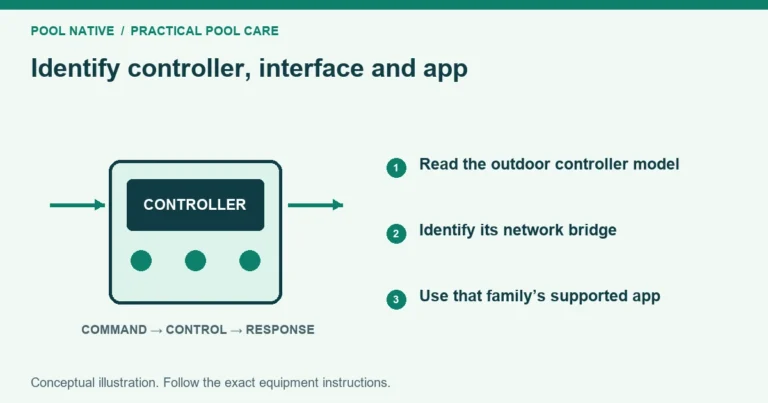
For Pentair installations, identify the controller family before choosing an app or adapter. ScreenLogic serves compatible EasyTouch and IntelliTouch systems. IntelliCenter uses its own supported network and app arrangements.
An app displaying an old temperature is not proof of current circulation. Confirm physical operation at the pool when safe. Keep alarms and device status distinct from the appearance of a saved dashboard.
Compare upgrade proposals by what changes
Ask whether the proposal retains the enclosure, replaces the control board, adds an interface or replaces the whole controller. List equipment that will retain full control and any functions that will be lost. Obtain confirmation for the exact models.
Include installation, configuration, network hardware and owner training in the scope. A lower hardware price may exclude the work needed to make the system usable. Do not assume an older enclosure accepts every upgrade kit.
Save a backup of the existing configuration where supported before changes. Preserve circuit labels, schedules, pump assignments and valve routes. A successful upgrade should be checked against the actual operating requirements, not only app login.
Verify the system at handover
Test the ordinary daily schedule, a manual run, both pool and spa modes, heating demand and every lighting group. Confirm that water follows the intended route and the pump has stable flow. Check that a temporary command ends as configured.
Record the controller model, firmware, app name, network method and support contact. Keep passwords in a secure owner controlled location, not on a public equipment photo. Ask how access is removed for a former owner or service provider.
Leave with a circuit map and a short operating record. It should explain what each command does, where its schedule lives and how normal operation is restored. That record makes future troubleshooting far more efficient than guessing from the app screen.