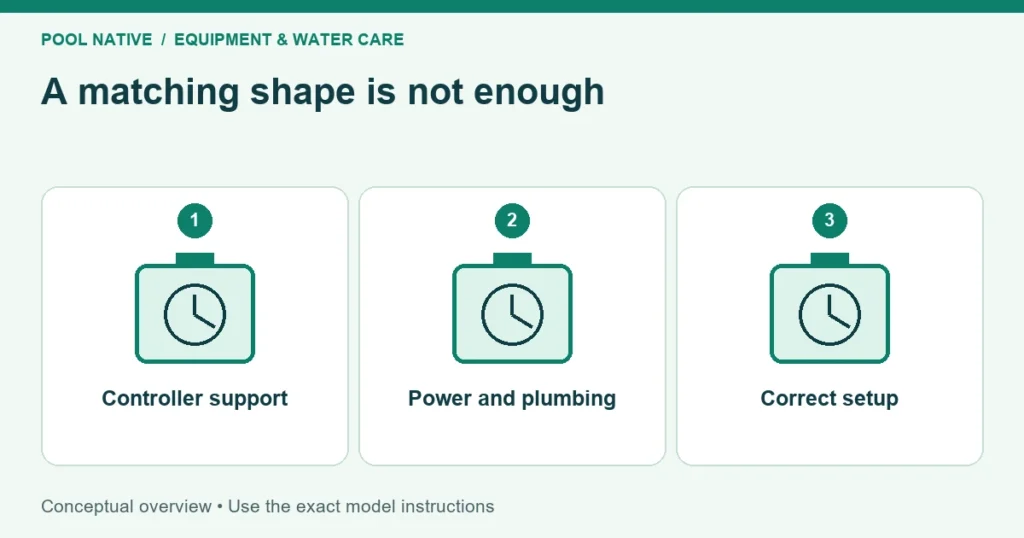
Salt cell replacement compatibility requires more than matching the shape or advertised gallon capacity. The cell must work with the controller, power supply, software, sensors, and plumbing. Verify the complete combination before ordering.
Start with photographs of the installed cell and control labels. Record full part numbers, including suffixes and regional versions. A listing that says “fits salt pools” or “replaces most cells” is not enough evidence.
First identify what actually needs replacement
A low salt or inspection warning doesn’t automatically condemn the whole cell assembly. Incorrect settings, cold water, deposits, or a sensor fault can produce similar symptoms. Use salt cell replacement diagnosis before shopping.
This matters especially with modular systems. A serviceable sensor or controller may have a separate part number from the chlorine producing assembly. Buying the largest assembly available can turn a smaller repair into an unnecessary expense.
Once the failed component is identified, decide whether you want an exact replacement or a system upgrade. Those are different projects. An upgrade may require additional configuration, power equipment, or plumbing even if the seller calls it a retrofit.
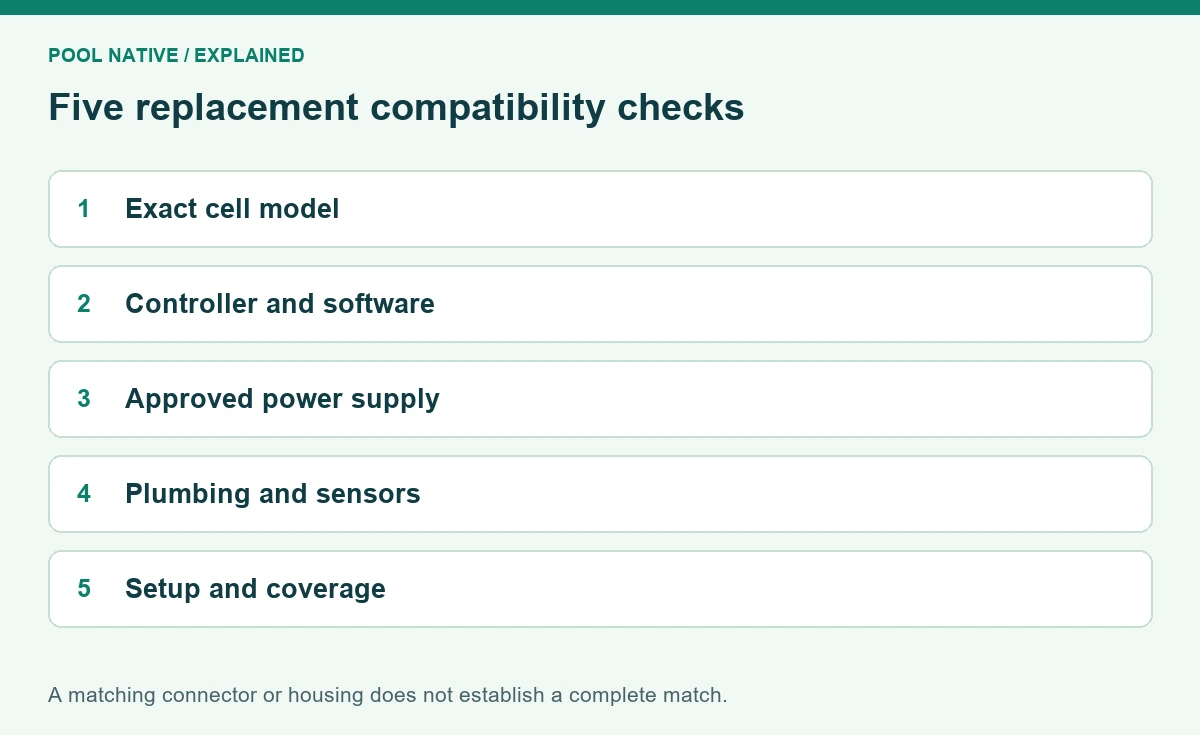
Verify five layers of compatibility
| Layer | What must be checked |
|---|---|
| Cell identity | Exact model, part number, capacity, and regional version |
| Controller and software | Supported cell family, firmware, and required selection |
| Electrical interface | Approved power supply, connector, and cable arrangement |
| Plumbing and sensing | Length, unions, flow direction, orientation, and sensors |
| Installation and coverage | Included parts, setup instructions, warranty, and service requirements |
Ask the manufacturer or seller to confirm the combination in writing if the published chart is unclear. Include your actual controller revision in the question. A general promise based only on brand name doesn’t resolve a software mismatch.
Controller firmware can change the answer
Classic Hayward AquaRite systems illustrate why revision matters. Hayward’s compatibility chart lists software 1.50 or later for certain smaller TurboCell models on AquaRite. Its chart supports the T15 across AquaRite revisions, while other controller families have their own entries.
That is a specific legacy chart, not permission to mix every current Hayward cell with every controller. Read the row and column for your equipment. AquaRite, AquaRite S3, AquaTrol, and other families shouldn’t be treated as interchangeable names.
Also check the programmed cell selection after installation. A physically compatible cell can report misleading salinity or stop chlorinating when the controller expects another model. The label and configuration must agree.
Don’t use a different setting to make a salt reading appear correct. If the specified setting produces a fault, investigate the combination or equipment. Our salt reading disagreement guide explains that diagnostic trap.
A matching connector is necessary but not sufficient
Check which power supply the manufacturer approves for the replacement. A plug that fits doesn’t establish suitable electrical operation or communications. Never cut, splice, or adapt a connector to force an unsupported combination.
For example, Pentair states that its current Plus and LT models work with the PC100 PowerCenter. The LT15 also has a specific PowerPack option, while the other models do not share that same allowance. Confirm the exact manual and package before assuming one small power pack can run any larger cell.
Automation compatibility is another layer. A replacement may connect to an existing control system but move output control to that system. Confirm how the owner will set output and view faults after the change.
Compare plumbing dimensions carefully
Measure the installed assembly only as directed and record the union arrangement. Similar thread dimensions don’t guarantee equal body length. Leave enough space to remove the replacement for inspection and cleaning.
Pentair’s current family provides a useful example: LT15, LT25, and Plus30 use the shorter iChlor form factor. Plus40 and Plus60 match the legacy IntelliChlor length. The manufacturer identifies shared union threads, but the correct length still matters.
Use the manufacturer’s dimensions and installation templates rather than a photograph with no scale. Check the intended orientation, flow direction, service clearance, and heater separation too. A compatible cell still needs a compliant installation.
If a bypass or sensor arrangement must change, include that work in the project. Don’t defeat a flow switch to accommodate a replacement. The safety and operating controls are part of compatibility, not optional accessories.
Decide whether changing capacity makes sense
A larger supported cell may offer more production capacity, but it isn’t automatically a direct substitute. Confirm controller support, power requirements, and the required configuration. Then check how its output range fits the pool’s demand.
Avoid selecting capacity solely from the number on the old label. The original system may have been undersized, or the pool’s use may have changed. Use salt chlorinator sizing to evaluate rated output within your actual circulation schedule.
If you change the cell capacity, document the new settings at commissioning. Reusing the old percentage without testing can produce too much or too little chlorine. Capacity and percentage work together; neither is the measured residual.
Evaluate aftermarket listings by evidence
An aftermarket cell should identify the exact equipment it replaces and any exclusions. Check the installation instructions, supported firmware, sensor arrangement, warranty provider, and availability of service. A familiar housing color is not technical documentation.
Distinguish the replacement manufacturer’s warranty from the original equipment warranty. Ask who handles a fault and whether removal, return shipping, or labor is covered. Keep written compatibility confirmation with the receipt.
Be cautious about listings that group several different controller families without explaining configuration. Also check whether the offer includes only the cell or the sensors and seals shown in promotional photographs. The delivered part list should match the repair plan.
Before placing the order
- Match the installed labels to a manufacturer compatibility document.
- Confirm controller software and any required cell selection.
- Verify the approved power supply and connector arrangement.
- Compare length, unions, orientation, and required sensing components.
- Confirm all seals, adapters, and accessories included in the purchase.
- Check warranty status on the failed part and terms on the replacement.
- Include installation and commissioning in the complete cost comparison.
If one of those answers remains unknown, resolve that specific point before buying. It is easier to send a label photo than to return an installed wet component. A complete match should be demonstrable without relying on guesswork.
Verify the replacement after installation
Have the system installed and configured according to its instructions. Confirm leak free plumbing, normal flow sensing, plausible independent salinity, and the correct controlling device. Save the final cell selection and firmware information.
Then test the pool’s free chlorine trend under the intended schedule. A successful replacement must maintain suitable water conditions, not just clear an alarm. Keep that baseline with the new receipt so future troubleshooting starts from known working settings.


