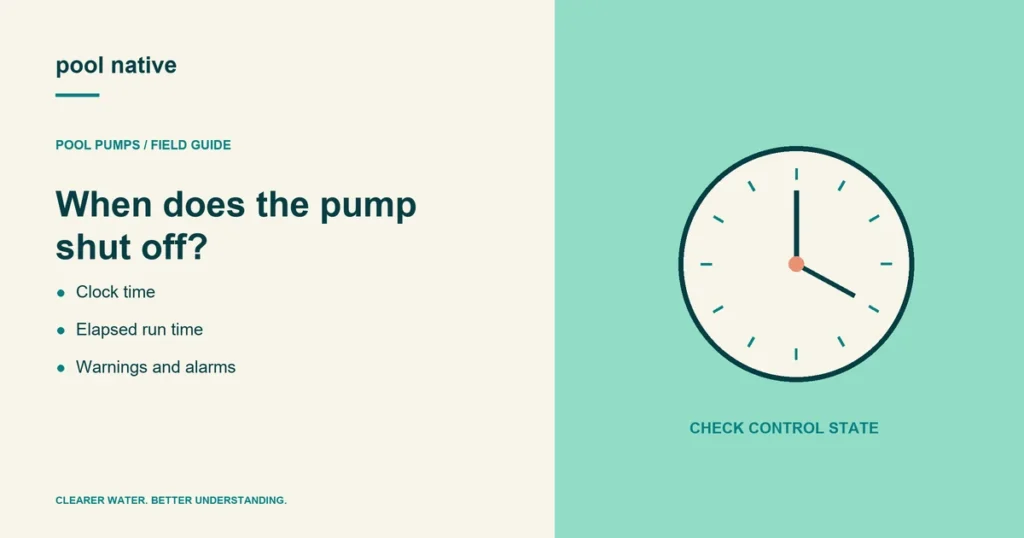
When a pool pump keeps shutting off, the timing is one of the most useful clues. A stop at the same clock time suggests a different route from a stop after the same elapsed runtime. Record the display before resetting anything.
Some stops are scheduled commands; others are protective responses. A warning can also reduce performance without fully stopping the pump. The model’s exact message matters.
Sort the pool pump shutdown by its pattern
| Pattern | First route to investigate |
|---|---|
| Same clock time each day | Schedule, controller command, or power timer |
| Similar delay after each start | Priming failure, heating, or another recurring fault |
| Only when a feature starts | That mode’s speed, valve route, and control request |
| After rain or water intrusion | Electrical safety assessment before reuse |
| Breaker or GFCI trips | Qualified electrical diagnosis |
A pattern narrows the investigation; it does not identify a failed component. Avoid replacing a motor because it stopped after warming up once. Compare the operating conditions and recorded fault.
Capture the message before clearing it
Write down the full alarm or warning, active program, RPM, and time. Check whether the display remains powered after the pump stops. Note whether it restarts automatically.
IntelliFlo VSF, for example, distinguishes priming alarms, overheat behavior, and operating limit warnings. Its manual describes different responses to those conditions. Do not transfer one model’s reset sequence to another.
If the screen is blank, the pump may have lost supply, but a blank screen alone does not prove it. Electrical testing belongs to a qualified person. Do not open the drive to investigate.
Check the operating environment and water supply
From a safe position, look for low pool water, a loaded skimmer basket, or visible air in the pump pot. Check whether the event followed vacuuming or a valve change. Shut down before any basket or lid service.
Look for blocked ventilation and material piled around the motor. Follow the manufacturer’s clearance requirements. Do not cool a hot electrical motor by spraying it with water.
If the pump lost water or ran dry, use the overheating and dry run guide. If flow pulses before the stop, record that and check the surging diagnosis.
Check control requests before changing hardware
Review the controlling device’s clock, schedule, and operating mode. A manual timer, automation panel, and pump program can interact. Schedule conflict checks help establish which command caused the stop.
Do not disable freeze protection, flow limits, or other safeguards as a shortcut. If a protective setting appears incorrect, have the installer verify it against the system’s requirements.
Build a timeline that distinguishes a schedule from a fault
Suppose the pump stops at 11 AM every day, even when it was started at different times. That pattern makes the controlling clock and scheduled commands worth checking. It does not rule out another event that happens at the same time.
Now suppose it stops about six minutes after each start, regardless of the clock. That pattern points toward a recurring startup or operating condition. Record the exact message and whether flow established before the stop.
A third pattern occurs only when heating or cleaning begins. Compare the requested pump setting and changed valve route at that transition. The issue may involve the conditions needed for that mode rather than ordinary filtration.
Separate a warning, alarm, and loss of supply
A warning can indicate that the pump has reached a configured limit while still operating. An alarm can produce a different response, including shutdown. A blank display introduces another question about supply or the controller itself.
Use the manual’s exact description for the displayed wording. Do not assume that every warning calls for a higher limit or that every alarm uses the same reset. Raising a limit without checking the installation can remove information needed to diagnose the fault.
Record whether the pump restarts on its own and what remains powered after the stop. Do not open a drive or electrical enclosure to establish that. Those visible observations help determine what a qualified person needs to test.
Make the final test reproduce normal duty
After the confirmed repair, a brief start may be insufficient if the old problem occurred much later in a cycle. Ask the service provider to check the relevant operating interval and transition. The test should remain within the manufacturer’s conditions.
Keep the before and after records together: run request, active feature, RPM, flow observation, and any message. If the fault returns, that comparison avoids restarting the investigation from a vague description. It also shows whether the repair changed the original behavior or only its timing.
When repeated resets should stop
Keep the pump off if the fault returns, protection trips, water reaches electrical components, or there is a burning smell. Follow the electrical trip route when appropriate. A reset is not a repair.
Send the service provider your timeline, error photographs, and recent changes. After correction, verify the operating cycle that previously failed. A brief successful start does not prove the shutdown issue is resolved.