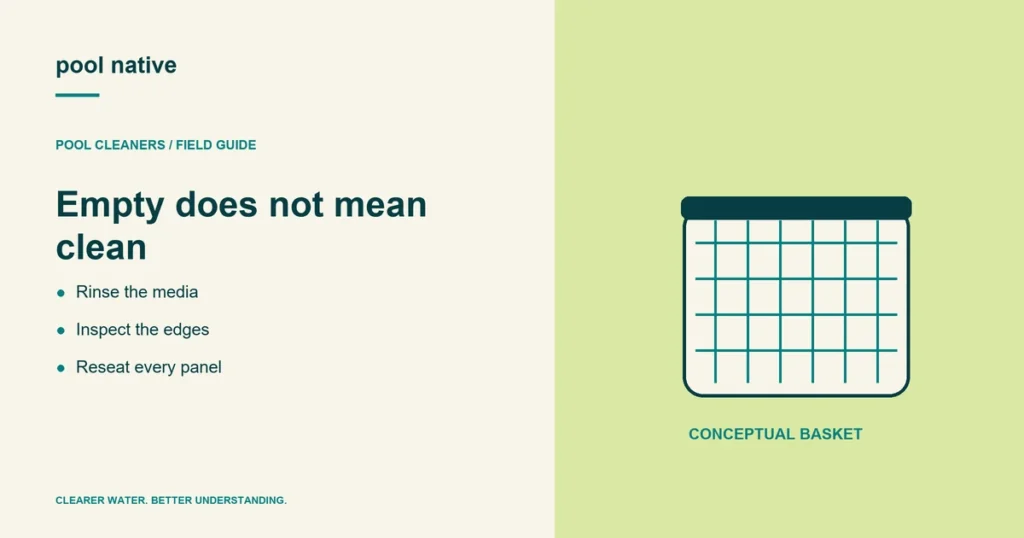
An empty robot basket is not necessarily a clean robot filter. Fine dirt can remain packed in mesh or pleated panels after the leaves are gone. Rinse the collection media as well as emptying the visible debris.
Clean the filter after each cycle when the manufacturer calls for it, and sooner during heavy cleanup. A filter that loads quickly can reduce water movement and change the cleaner’s behavior before the programmed cycle ends.
Retrieve and isolate the cleaner first
End the cycle and follow the model’s retrieval instructions. Use its carrying handle to lift the robot; do not hoist it by the cable. Let water drain as directed before carrying it away from the pool.
For a corded cleaner, switch off and unplug the supply before servicing. For a cordless model, turn it off and disconnect any charger. Do not reach into a powered cleaner to remove a twig or inspect an impeller.
Open the filter assembly for your model
Some robots use a top basket, some use removable panels, and others use a bag or bottom access assembly. Find the release points in the manual before pulling on the frame. Maytronics provides different panel instructions for different Dolphin families.
Empty leaves and grit into an appropriate waste container. If the design allows panel removal, release each panel as shown in the instructions. Do not force clips that seem to belong to a different assembly.
Rinse the media, frame, and collection path
Use a garden hose as directed by the manufacturer. Work across the filter so trapped material washes free, including corners and the edges where panels meet the frame. Avoid a pressure washer or a concentrated jet that can damage the media.
Inspect mesh, pleats, seams, and attachment points as you rinse. A torn panel or an unseated edge can let debris escape. Check accessible collection flaps for trapped leaves without dismantling parts beyond the approved maintenance procedure.
Do not automatically use the acid or chemical soaking method intended for the pool’s main filter. Robot materials and cleaning instructions differ. If rinsing does not restore the media, ask the manufacturer which cleaner, if any, it approves.
Match the next cleaning pass to the remaining debris
Look at what remains after rinsing. Loose leaves in a clean basket call for ordinary emptying. A layer of fine dirt across the media needs careful rinsing even if the collection chamber looks almost empty.
Check the filter label or parts listing before exchanging coarse and fine panels. Similar frames can hold different approved media. If your model supports several filter options, choose the one intended for the remaining dirt.
During a heavy cleanup, inspect the filter earlier than you would after routine maintenance. An unusually dirty pool can load a freshly cleaned assembly quickly. Repeated loading does not by itself mean the filter is defective.
Separate a dirty filter from a damaged collection assembly
Once the media is clean, inspect its edges in good light. Look for a split seam, a bent frame, or debris preventing a panel from sitting flush. Pay attention to where escaped dirt appears rather than replacing every component at once.
A panel that stays in place until the basket closes may have the wrong orientation or an incompatible frame. Compare the assembly with the model’s instructions. Do not trim the panel or remove a retaining piece to make the lid close.
If a flap is accessible under the maintenance instructions, check whether a leaf prevents its normal movement. Avoid removing internal components just to investigate. A photograph of a damaged accessible part can help support identify the appropriate replacement.
Finally, keep the robot filter separate from the pool’s main filter in your maintenance record. Cleaning one does not clean the other. If the robot collects normally but the whole pool remains cloudy, investigate water balance and main filtration as a separate problem.
Reassemble before testing
Seat each panel fully and close the basket base and lid correctly. A latch that will not close may mean the assembly is misaligned or still contains debris. Forcing it can turn a cleaning task into a broken filter frame.
After reinstalling the filter, run a permitted cleaning cycle and compare the behavior. Better collection supports a filter loading explanation. It does not prove that every movement or coverage problem has been fixed.
| Result after cleaning | Next useful check |
|---|---|
| Fine dirt still escapes | Media type, tears, panel seating, and collection flaps |
| Robot moves but still avoids walls | Wall capability, cycle mode, surface, and traction |
| Robot does not move | Supply, program state, and accessible obstructions |
| Filter immediately loads again | Debris volume and whether staged cleanup is needed |
Use fine sediment filter selection if the media is unsuitable for the dirt. For other symptoms, follow wall climbing checks or robot not moving. When the cleaner is ready to store, use the seasonal storage routine instead of sealing a wet, dirty basket away.