A useful pool maintenance log records more than chemical readings. It tells you what changed, what you did, and what happened afterward. Without that sequence, a page of numbers can hide the cause of a recurring problem.
The free Pool Native template separates water tests, treatments, and equipment readings. It also gives pump settings their own space. That prevents a reading from a fast cleaning cycle being mistaken for rising filter resistance.
Download the pool maintenance log template
- Printable log and equipment record: keep a paper copy near your pool records, away from chemicals and splash.
- Editable spreadsheet: separate tabs for your system, water tests, treatments, and equipment observations.
- Simple CSV log: import into your preferred spreadsheet or record keeping app.
No account or purchase is needed. The files are blank residential record templates, not dosing calculators. They don’t determine whether water is safe for swimming or replace local requirements for public pools.
Fill in the system record once
Start with the equipment labels, not your memory. Record the exact pump and filter models, sanitizer system, pool finish, and estimated water volume. Note how the volume was obtained.
Save model label photos and manuals in the same folder. Include the normal pump schedule and any special operating modes. A pool with a shared spa needs those distinctions preserved.
Also record the test kit and reagent dates. Keep your normal water targets with their source, such as the equipment instructions or treatment label. Don’t copy someone else’s targets without checking whether the systems match.
Use separate entries for measurements and actions
A test result describes the water at one moment. A chemical addition changes the situation afterward. Put them on separate rows so a later reader can follow the order.
| Record | Useful fields | Common mistake |
|---|---|---|
| Water test | Date, time, method, free chlorine, total chlorine, pH, and other tests performed | Entering a treatment amount where a test result belongs |
| Treatment | Product, active ingredient or strength, quantity, units, and time | Writing “one jug” without its size or concentration |
| Equipment check | Pump setting, mode, filter pressure, flow if measured, and observations | Comparing readings from different speeds |
| Follow up | Required next check, due time, result, and person responsible | Recording the planned check as though it already happened |
If you use a service company, ask for the actual measurements and products added. Copy their dated report into your record. Keep observations separate from a diagnosis that hasn’t been confirmed.
Make blank, zero, and out of range mean different things
Leave a measurement blank when you didn’t take it. Enter zero only when that’s the actual valid result. If a result falls outside the kit’s range, record the limit and investigate using the kit instructions.
For example, “above test range” is more honest than writing the highest printed number as an exact reading. Record a repeat test on a new row. Don’t quietly replace the first result.
Use consistent units. Parts per million, pounds, ounces by weight, and fluid ounces describe different things. A column labeled simply “chlorine” is especially easy to misread.
Record pressure with its operating conditions
Keep filter pressure, pump RPM or flow setting, and valve mode together. If a flow value comes from an estimate rather than a flow meter, label it. A pressure gauge alone doesn’t measure gallons per minute.
Use a confirmed clean filter reading as your reference. Record the cleaning method and date with that baseline. Don’t create a new “normal” merely because the old reading is inconvenient.
Here is a hypothetical example, not an operating target:
| Entry | Mode and speed | Pressure | Interpretation |
|---|---|---|---|
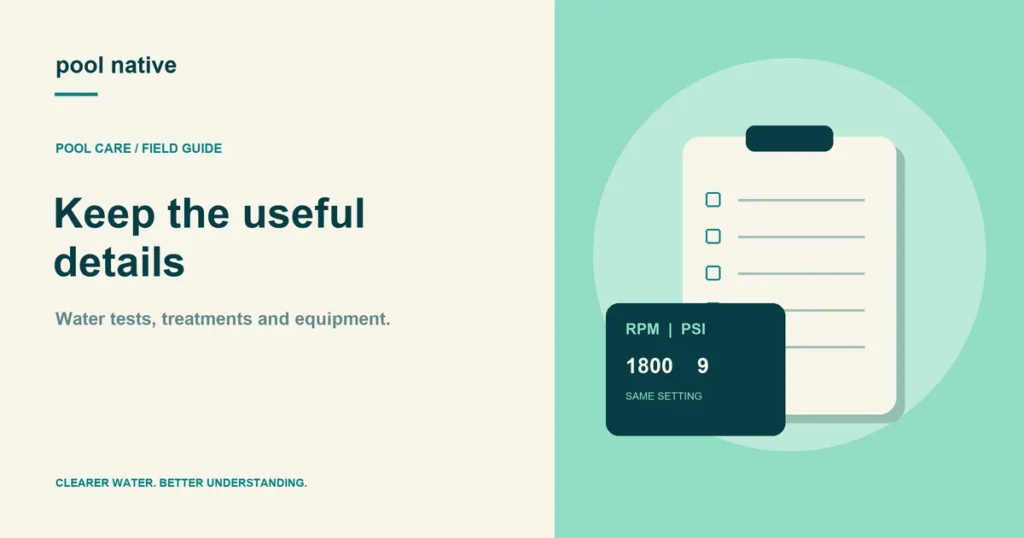
| After confirmed cleaning | Pool, 1,800 RPM | 9 psi | Reference for this setting |
| Next check | Pool, 2,600 RPM | 17 psi | Not comparable with the first entry |
| Matched check | Pool, 1,800 RPM | 10 psi | A small change to track against the manual’s trigger |
The second row doesn’t establish an 8 psi rise caused by dirt. The operating speed changed too. Our filter cleaning timing guide explains how to use a matched comparison.
Keep a short event history
Record storms, heavy use, unusual water loss, refilling, and equipment changes. These notes explain why the next measurement may look different. A single phrase is enough if it identifies the event clearly.
Useful entries include “new cartridges installed,” “returned from spa mode,” or “large leaf load removed.” Less useful entries include “bad water” and “filter weird.” Describe what you saw before naming a cause.
For a recurring problem, compare the last several events. Did pressure rise before the water became cloudy, or afterward? Did a schedule change come before the loss of skimming?
A pattern suggests the next thing to check. It doesn’t prove causation on its own. Keep the original results available when you ask for service advice.
Choose a record keeping habit you can sustain
Keep paper if writing by hand makes you more consistent. Use the spreadsheet if sorting and sharing help. Avoid maintaining two competing “master” versions.
Enter the result immediately after the test or task. Review the record during your weekly pool check. Back up the digital file or photograph completed paper sheets periodically.
The log supports the testing schedule; it doesn’t set it. CDC recommends chlorine and pH checks at least twice daily for home pools, and more often during heavy use. Keep enough rows for actual checks rather than limiting the work to one daily box.
For a new pool owner, the best first entry is the equipment record. Then record today’s real observations, even if some fields remain blank. Build the routine around those facts with our pool maintenance starting guide.