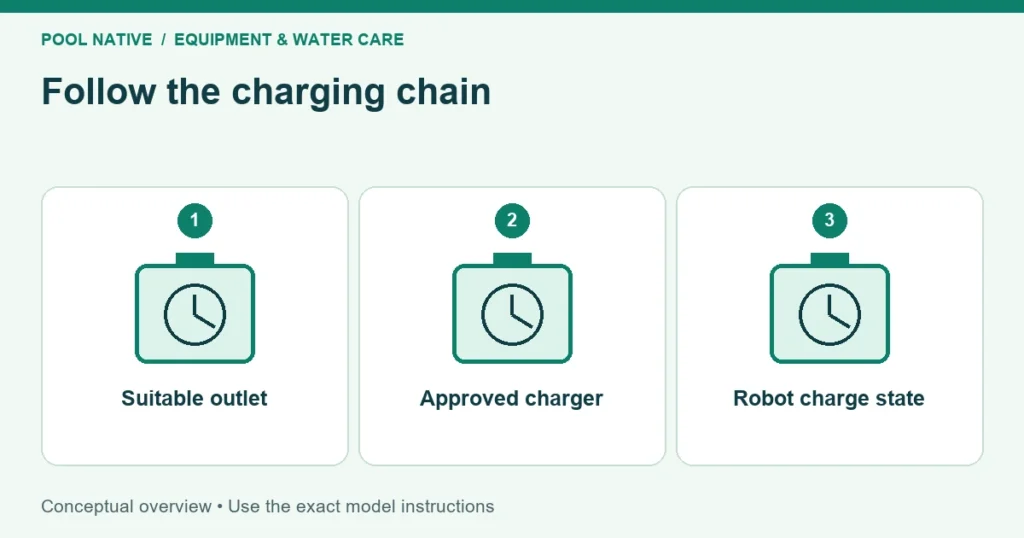
A cordless pool cleaner not charging needs three separate checks: whether the outlet supplies power, whether the charger responds, and whether the robot accepts charge. A light on the adapter confirms only part of that chain. It does not prove the battery is charging normally.
Stop if the charger or cleaner is damaged, unusually hot, swollen, leaking, or smells abnormal. Do not keep reconnecting it to force a response. Leave battery and sealed electrical repairs to the approved service route.
Record the charging symptom before resetting anything
Find the full cleaner model, serial number, and charger label. Photograph the indicators immediately after connection and again after the interval specified in the manual. Record whether a light is steady, pulsing, flashing in a pattern, or completely absent.
Separate the charger indicator from the light on the robot. Their meanings can differ. Also note whether the cleaner can turn on after you disconnect it, even if it cannot complete a cleaning session.
| Observation | What it narrows down | What remains uncertain |
|---|---|---|
| No charger indicator on a known suitable live outlet | Charger or its connection | Whether the battery also has a fault |
| Charger responds but robot shows no expected charging state | Connection, temperature, or robot side issue | Which internal component is responsible |
| Robot reports full, then runs briefly | Usable charge, load, mode, or battery issue | That the charger alone caused the short run |
| Light turns off after reporting full | Possibly normal indicator behavior | Meaning until checked against the manual |
The last case matters. On the NIYA Tracker 25, the full charge green indication turns off after ten minutes. Applying that meaning to another cleaner would be a mistake, but treating every dark light as a failure is also wrong.
Check the electrical supply without bypassing protection
Use the manufacturer specified charging arrangement and a suitable protected outlet. Inspect accessible plugs and cords for damage before connecting them. Do not move to an unprotected outlet merely because a protective device trips.
If a normal outlet check is safe and appropriate, confirm power using the method allowed by the equipment instructions. A wet, damaged, loose, or repeatedly tripping outlet needs electrical attention. Do not open the charger or test exposed terminals as an owner shortcut.
Use the charger supplied or specifically approved for the exact cleaner. Matching a connector shape does not establish the right voltage, polarity, or charging control. An adapter from another pool robot is not a useful diagnostic substitute without manufacturer approval.
Keep the charger away from pooling water and protect it from weather as instructed. A waterproof robot does not make its wall adapter waterproof. Maintain the required distance from the pool and ground clearance for that model.
Match the connector care to its design
For cleaners with an exposed charging port, check for moisture, grit, or corrosion before connection. Use the cleaning and drying method in the manual. Do not scrape contacts with metal or apply an unapproved spray.
The cited Aiper Scuba S1 Pro manual requires its charging port to be dry before charging. That is a useful concrete example of why a port check comes before another attempt. Replacing its cap later does not remove water already inside the connection.
Other designs differ. The LIBERTY 600 manual expressly permits charging its wet robot after removal, while requiring protection of the charger. That permission does not transfer to an exposed pin connector on a different brand.
If a plug will not seat normally, stop and look for an obstruction or damage. Do not force the connector or hold it at an angle for hours. A charging connection that works only when pushed sideways needs assessment.
Let temperature return to the allowed range
A cleaner taken from cold water or left on a hot deck may be outside its charging limits. Move it to an appropriate shaded or indoor location and let it stabilize naturally. Do not heat the battery, cover the cleaner, or put it in a refrigerator.
For the LIBERTY 600 example, the stated charging range is 6°C to 35°C, or 43°F to 95°F. Its permitted swimming water temperature range is a separate specification. Always use the charging range for this decision.
Allow the specified charging time after correcting an ordinary setup issue. A few minutes of connection does not test a battery that begins deeply discharged. Conversely, leaving an unresponsive device connected indefinitely is not a repair method.
Make one documented retry
If no damage or abnormal heat is present, correct the identified setup issue and follow the normal charging sequence. Keep the robot’s selected mode and indicators in the record. Use a reset only if the manufacturer gives one for that model and symptom.
Consider an illustrative example: the cleaner fails to charge on a hot deck, then charges normally after reaching its permitted temperature in shade. That supports a temperature related interruption. It does not establish that every future charging failure has the same cause.
If the same setup now indicates full charge but the cleaner stops early, move to short cycle diagnosis. Compare the selected program and actual runtime. A robot that accepts charge but cannot complete a session presents a different service question.
Do not open the battery case, bypass a sensor, or try to revive cells with another power source. Some cleaner batteries are not intended for user replacement. Follow the manufacturer’s repair and disposal arrangements for the exact unit.
Send service evidence that separates the possibilities
Provide the cleaner and charger model numbers, serial number, purchase record, and clear photos of the connection. Include indicator behavior, ambient conditions, charging duration, and whether the outlet was safely verified. Mention any drop, water exposure affecting the charger, or long storage period.
Describe observations without claiming a failed battery unless that has been diagnosed. For example, “adapter light on, no robot indication after the specified charging period” is useful. “Battery dead” removes information and may lead to the wrong replacement.
Review storage requirements before putting a repaired cleaner away again. Required storage charge and recharge intervals vary by model. If the issue is choosing a different power format, compare corded and cordless ownership after the present fault is assessed.